
Online banking is convenient, but it also means protecting your login, devices, and connections. Use the tips below to help reduce fraud risk and spot issues early.
1. Create strong, unique passwords and update them regularly
Strong passwords make it harder for criminals to guess or reuse stolen credentials from other sites.
- Go long: Use 12+ characters when possible.
- Use a passphrase: Combine unrelated words with numbers/symbols (for example: River!Lamp7Cloud#Market).
- Make it unique: Don’t reuse passwords from email, shopping, or social media.
- Update when it matters: Change your password if you suspect it was exposed or if you’ve reused it anywhere else.
- Consider a password manager: It can generate and store strong, unique passwords.
2. Never share usernames, passwords, or other login credentials
No legitimate bank representative will ask for your password, PIN, or one-time verification code. Sharing those details can give someone direct access to your account.
Common scam tactics include:
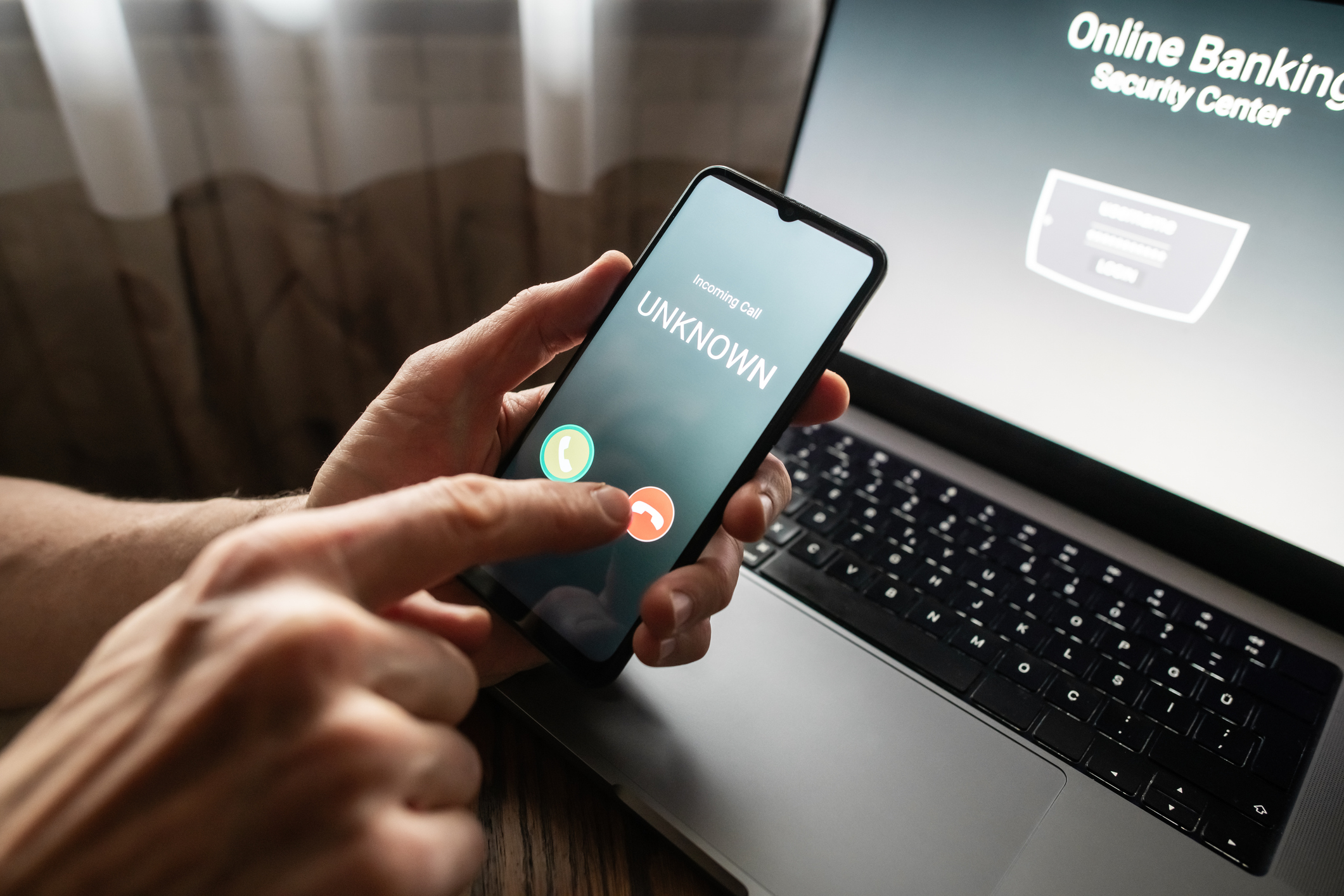
- Urgent messages claiming that unauthorized transactions will be debited from your account or that your account will be locked unless you “verify” your information.
- Links that send you to a look-alike login page.
- Requests for verification codes “to confirm your identity”, prevent unauthorized transactions, or restore access to your online banking account.
Safer habits: Don’t click on unexpected links. Instead, open the Amerant app or type the website address yourself. If you’re unsure whether a request is real, contact Amerant using the official contact options in the app or website.
3. Enable biometrics for secure logins
Fingerprint or facial recognition can make it harder for someone else to access your account, especially if your phone is lost or stolen.
- Turn on Face ID/Touch ID (or your device’s equivalent) and set a strong device passcode.
- Enable biometrics for the Amerant mobile app if your settings allow it.
- Don’t share your device passcode or let others add their biometric profile to your device.
4. Avoid using public Wi-Fi networks for banking activity
Public Wi-Fi networks (such as those in airports, hotels, or coffee shops) may be unsecured or spoofed, making it easier for criminals to intercept your information or redirect you to fake sites.
When banking on-the-go:
- Use your cellular connection or a personal hot spot when possible.
- Avoid logging in on shared/public computers.
- Always sign out when you’re done.
5. Set up your alerts and notifications
Alerts help you catch suspicious activity faster so you can respond sooner.
Helpful alerts to consider include:
- Login alerts
- Large or unusual transaction alerts
- Transfers, bill payments, or new payee alerts
- Profile changes (email, phone number, address)
Review your alert settings periodically so they match how you use your account.
6. Protect your devices with security software
Your security is only as strong as the device you bank on. Basic device hygiene goes a long way.
- Keep systems updated: Install operating system and app updates promptly.
- Use reputable security tools: Use antivirus/anti-malware on computers and built-in mobile protections on phones.
- Lock your screen: Use a strong passcode plus biometrics.
- Download apps safely: Use official app stores and avoid “too-good-to-be-true” downloads.
- Remove what you don’t use: Delete unused apps and browser extensions.
Banking with Amerant
Online banking safety comes down to a few consistent habits: strong passwords, never sharing credentials, using biometrics, avoiding public Wi-Fi, turning on alerts, and keeping devices protected and up to date.
If you notice suspicious activity or think you’ve been targeted by a scam, contact Amerant Bank through our toll-free number or by using the Amerant Mobile app.
Related posts